Features
What the school sets up, how teachers, parents and students work with it and what you should know. All views show synthetic sample data.
TODAY & WORKSPACES
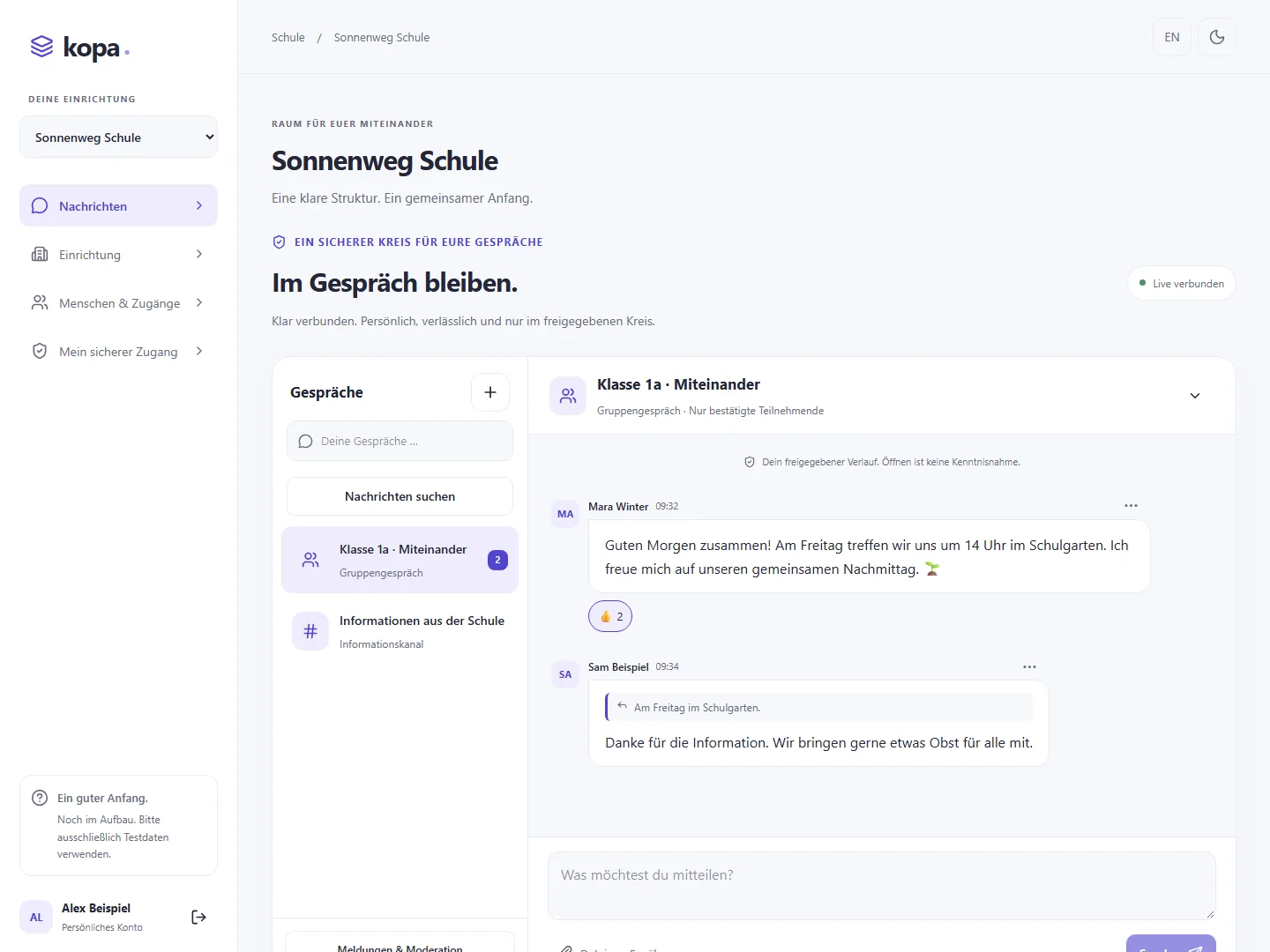
Workspaces follow from a person’s tasks at school. Someone who is both a teacher and a parent deliberately switches between “Teaching & classes” and “My family”.
Navigation stays stable: daily work, people, access and settings are separate. On mobile the four daily destinations sit at the bottom.
Example: In the morning a class teacher sees a student’s sick note, a room change and the open parent letter with its reply deadline.
Good to know: A workspace is not a bundle of rights: every action still checks the current subject rights.
INBOX & EMAIL
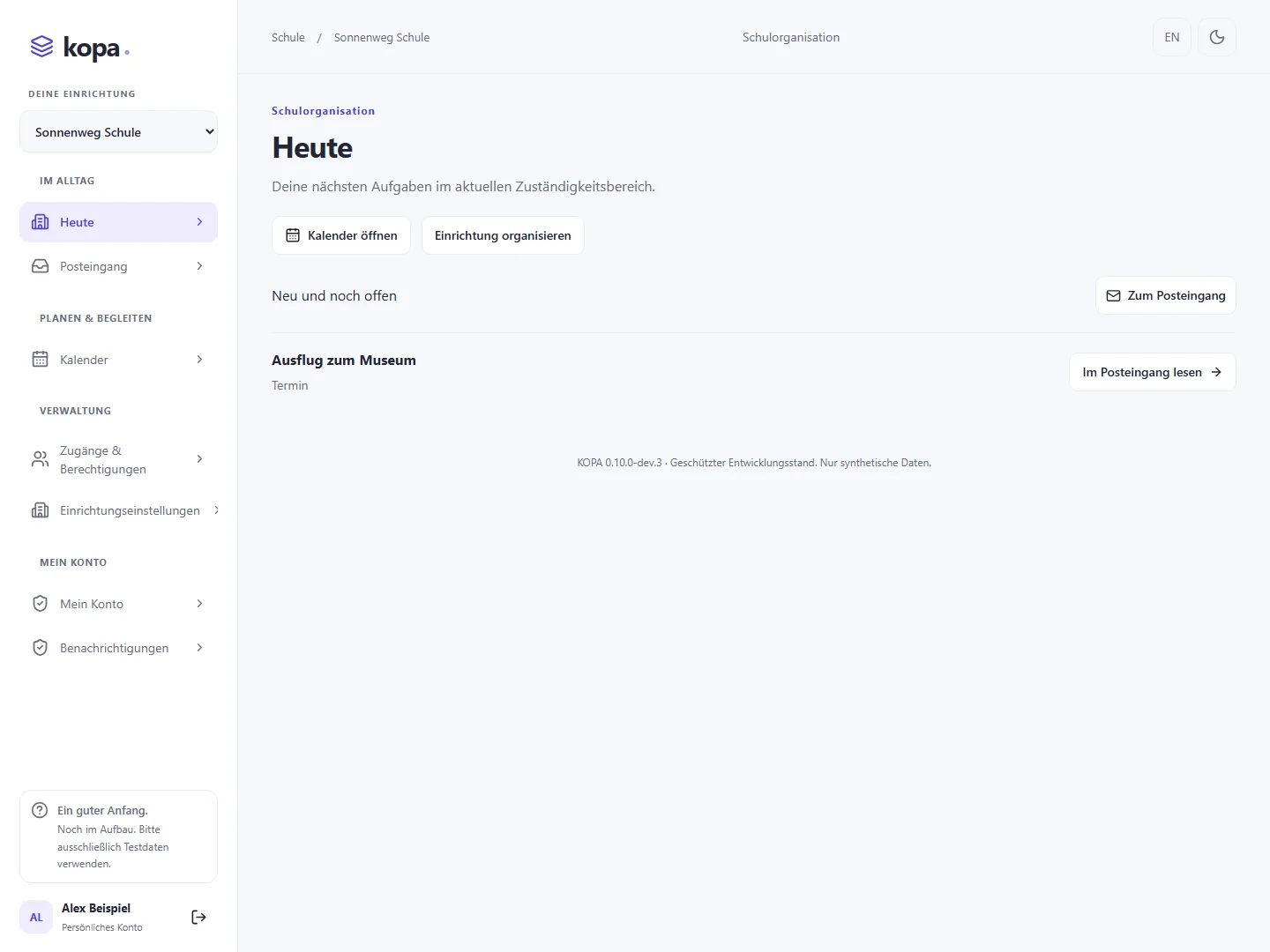
The school office connects a mailbox via IMAP. Ownership, status and “done” record who takes care of which message.
Replies go out from KOPA; answers from email programs land back with the right item. Anyone who wants receives a neutral daily digest.
Example: A mother replies by email to the trip information; the reply appears with the matching item in the school office inbox.
Good to know: The email digest points neutrally to the inbox and contains no private content.
NOTICE BOARD
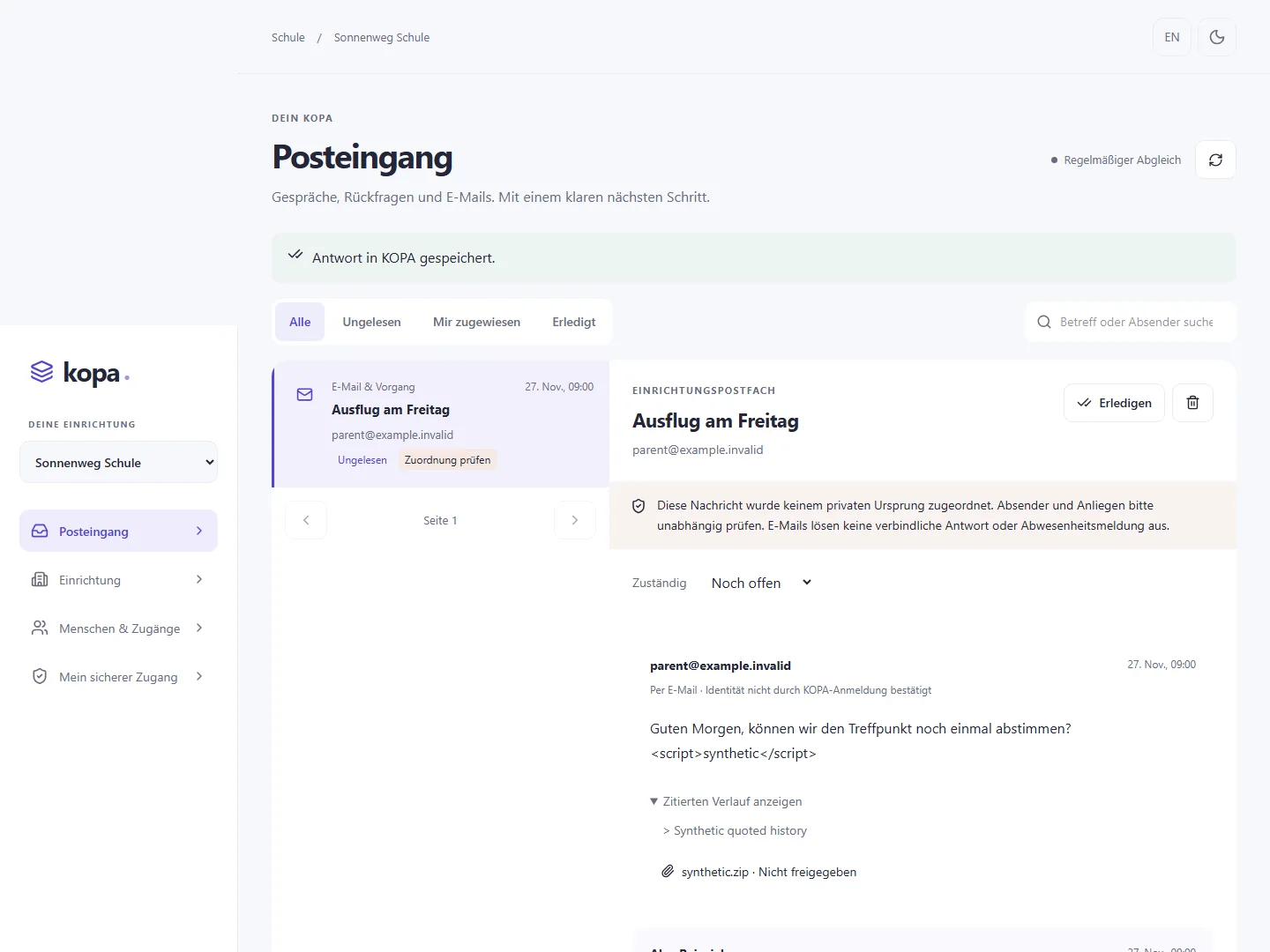
Choose audience, content and publication time. A shared text format with a safe preview keeps posts readable.
Parents ask a follow-up question privately instead of commenting publicly. Older posts stay findable in the archive.
Example: The head schedules the summer party letter for Monday 7 am to all parents of the lower grades.
Good to know: Notices and letters are separate; binding replies run via dates and responses.
LIVE CHATS
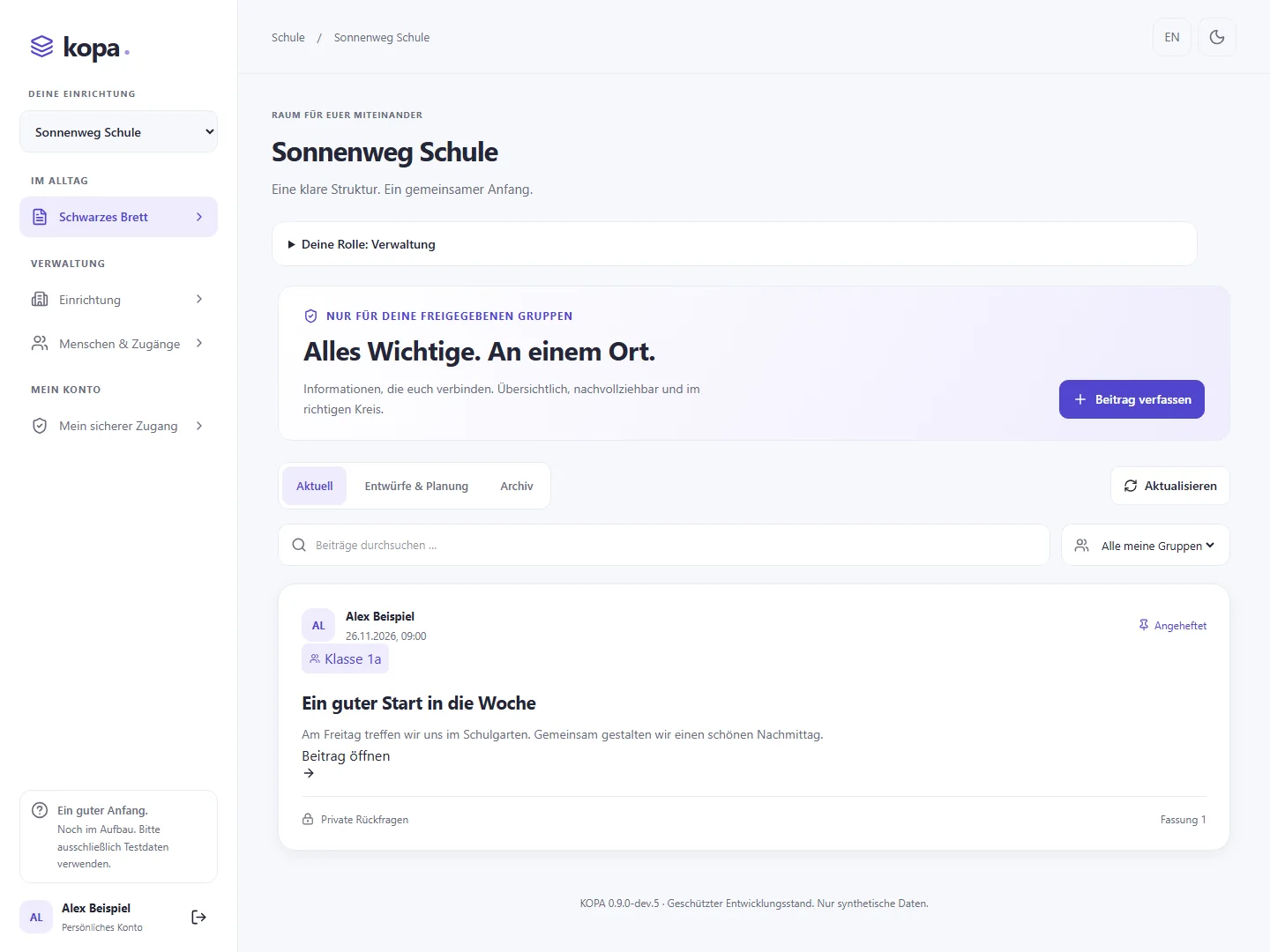
The school decides which groups use chats and who may write. Write locks and approved parent or member groups are possible.
Messages appear live; after an interruption KOPA delivers what was missed. Confidential conversations stay limited to the people involved.
Example: Class 1a has a group chat for arrangements about the trip; a parent asks the class teacher confidentially about the meeting point.
Good to know: Administration rights alone never open private conversations.
DATES & RESPONSES
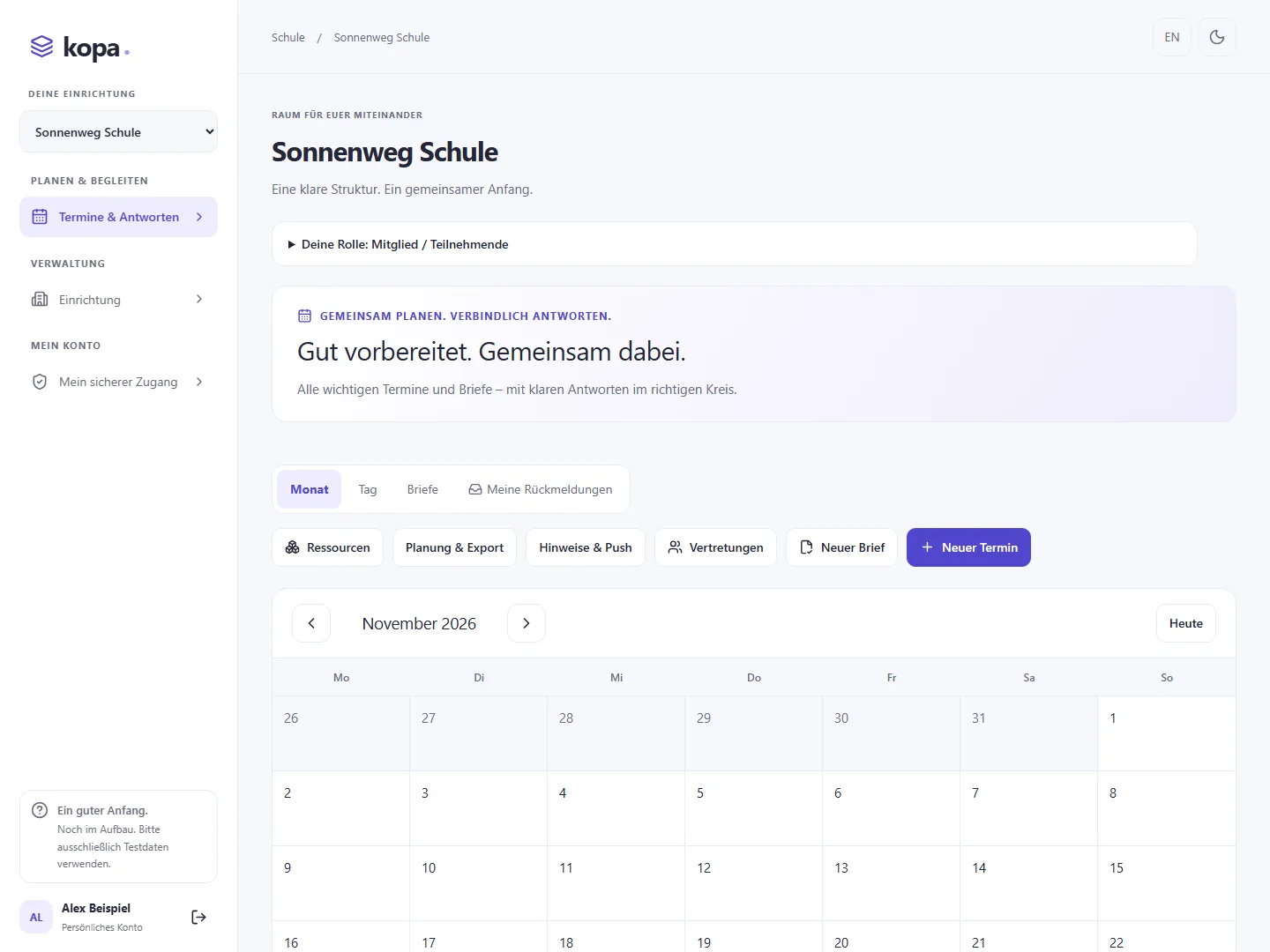
Create a date, choose audience and deadline and decide whether replies are per account or per child.
The class teacher sees who has replied and reminds selectively. Parents reply with one tap, also on mobile.
Example: For the hiking day parents reply per child; six replies are still missing before the deadline and KOPA reminds those parents.
Good to know: Polls can be anonymous; the group lead then only sees totals.
SICK NOTES & LEAVE
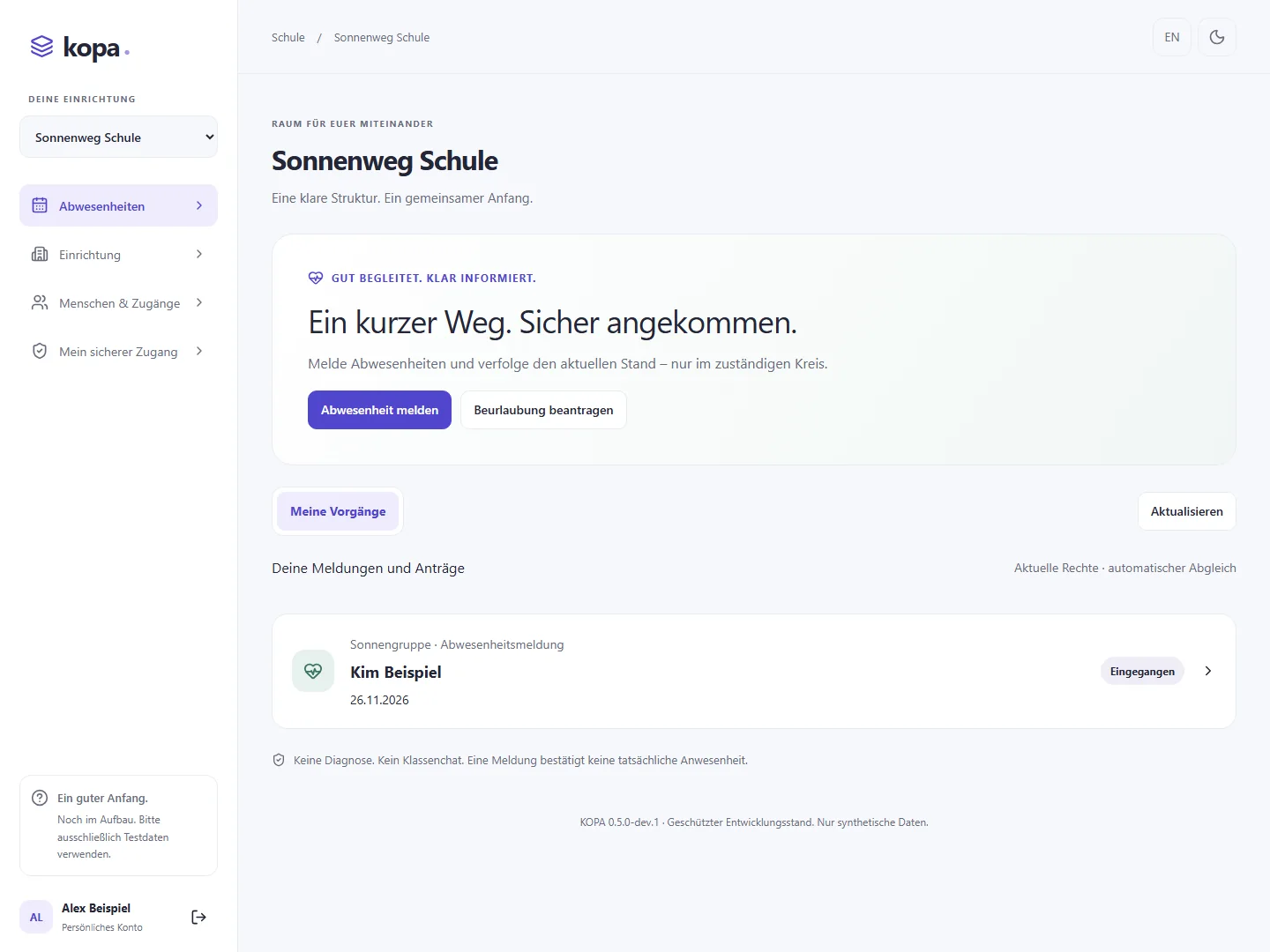
The school sets responsibilities for absences. Parents only see their explicitly assigned children.
In the morning the class teacher sees who is absent today, without slips of paper or phone notes. Decisions on leave are traceable.
Example: At 7:12 am a father reports his daughter sick; the class teacher sees it at 7:30 am in the daily overview.
Good to know: Sick notes are protected: only explicitly responsible people see them.
TIMETABLE
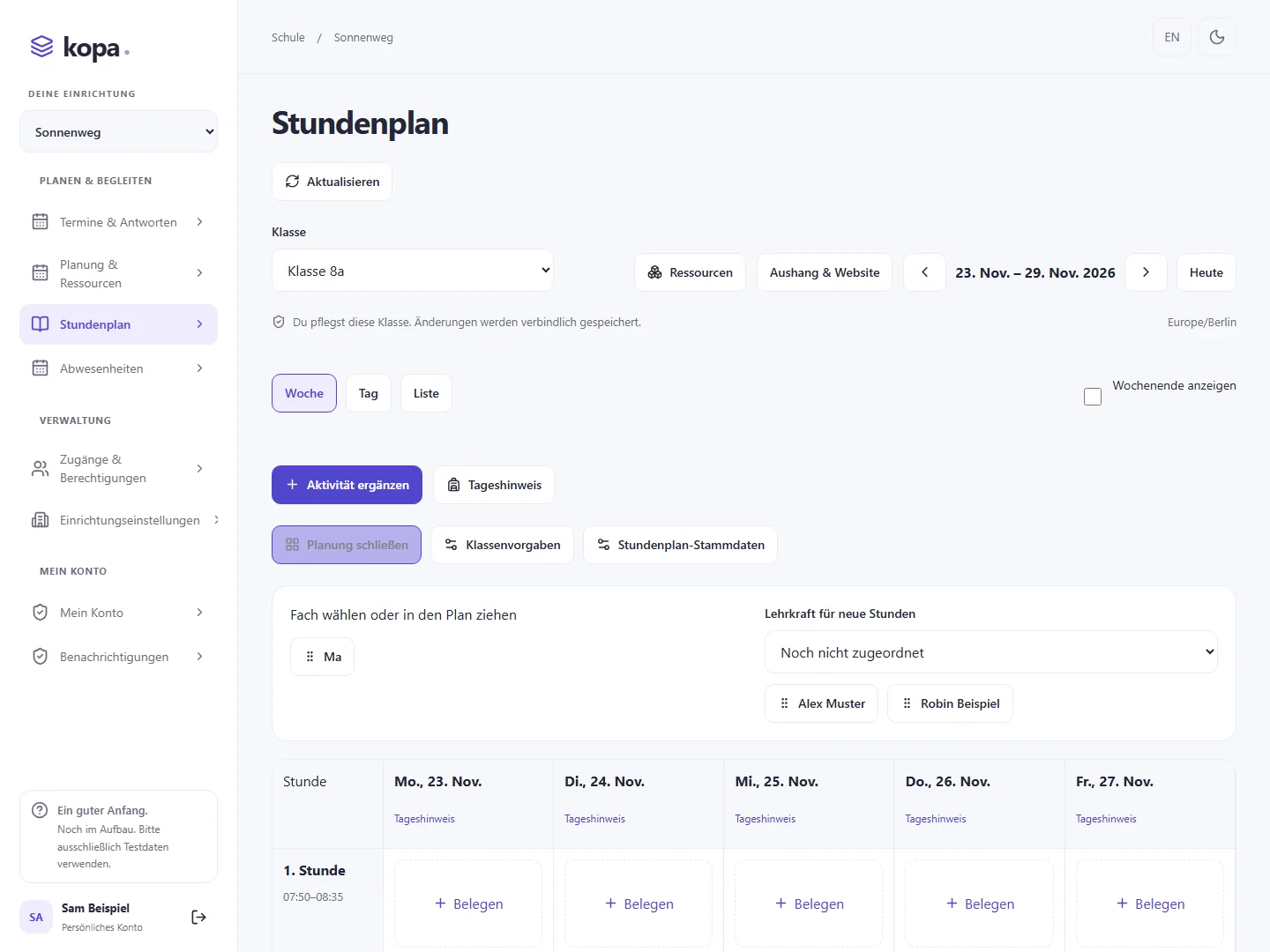
Create lesson times, time models, subjects and teachers once or import them from CSV or Excel. Then assemble the timetable by selection or drag and drop.
Changes are confirmed; authorised people get a notice in the inbox. Students see their day and materials directly.
Example: Maths in period 3 is cancelled; the change appears in class 8a’s timetable and the class gets a notice with a material task.
Good to know: The timetable is not a school-wide substitution planning tool.
PEOPLE, NOTES & HANDOVERS
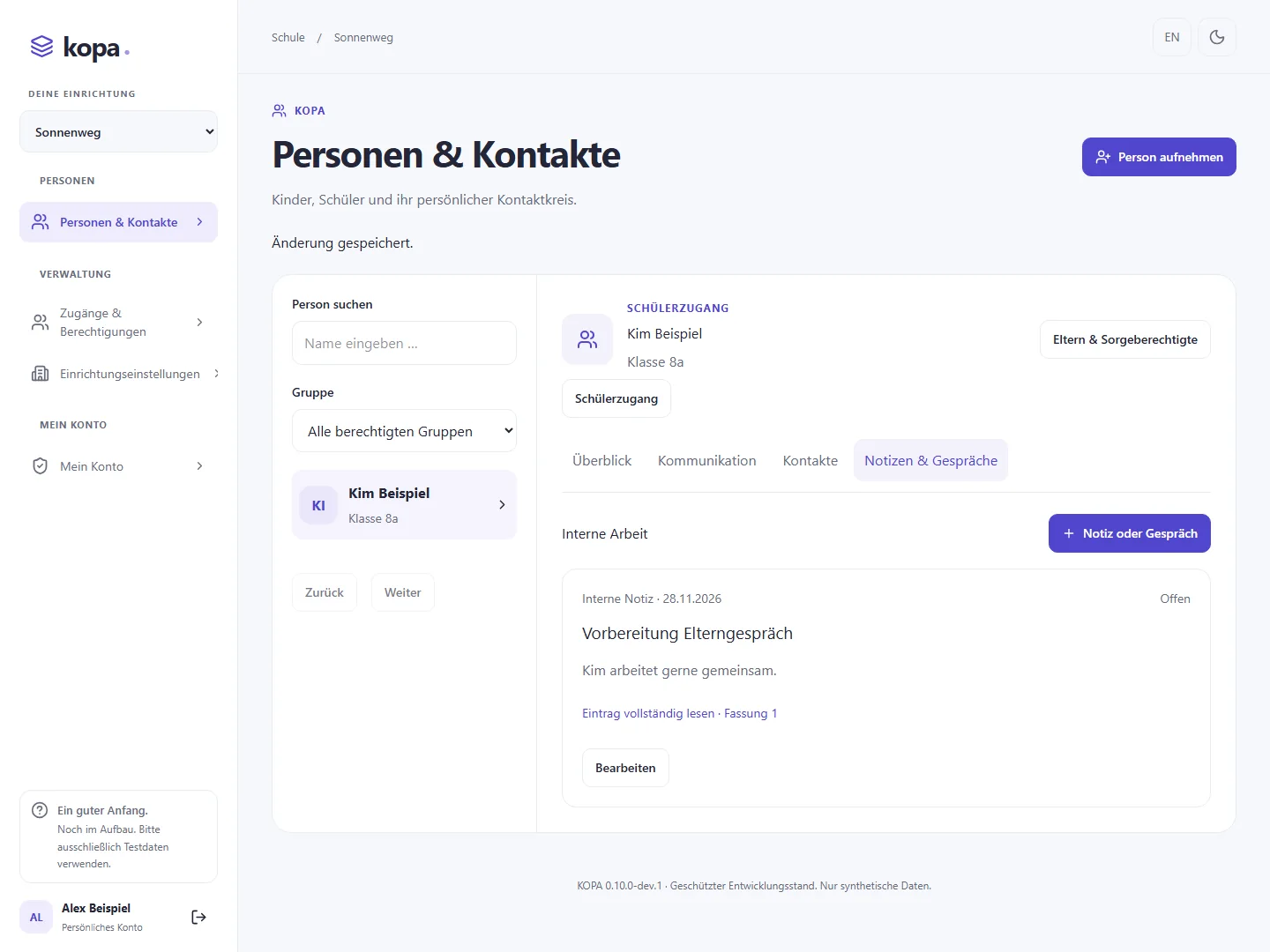
Notes get readers and access; meeting outcomes are delivered explicitly to personal inboxes. Handovers deliberately choose text and target teachers.
At a parent meeting contacts, earlier meetings and open points are in one place. Meeting documents can be printed after review or saved as PDF.
Example: At the change of school year the class teacher of 4b hands over three notes to the new class teacher; old internal notes stay protected.
Good to know: Administration alone never opens private records; retained notes can be cleaned up after a set period.
School year change, meeting outcomes and polls complement everyday work.
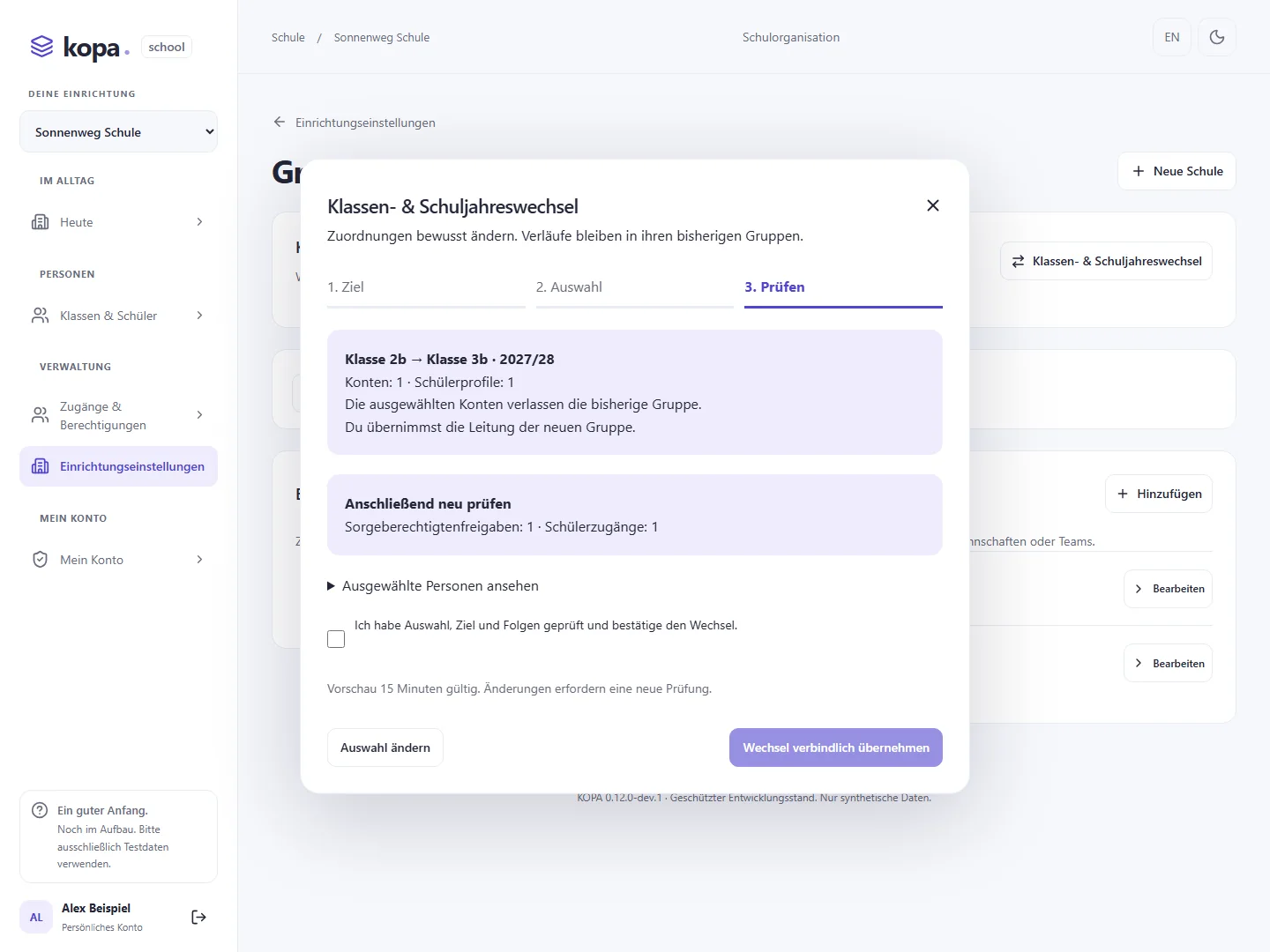
Preview, explicit selection and safe re-checking of personal approvals.
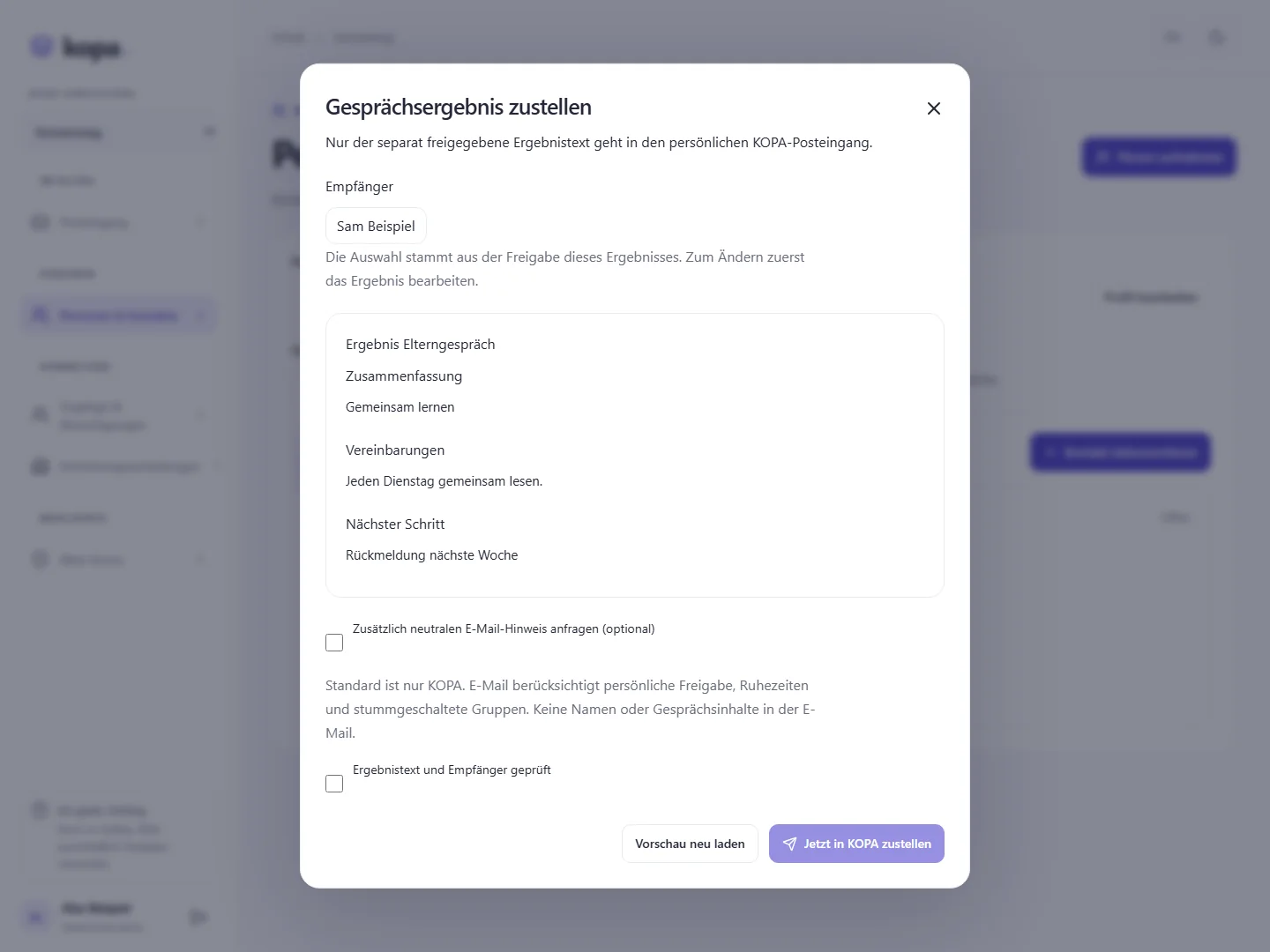
Outcomes delivered to personal inboxes, with preview and optional email notice.
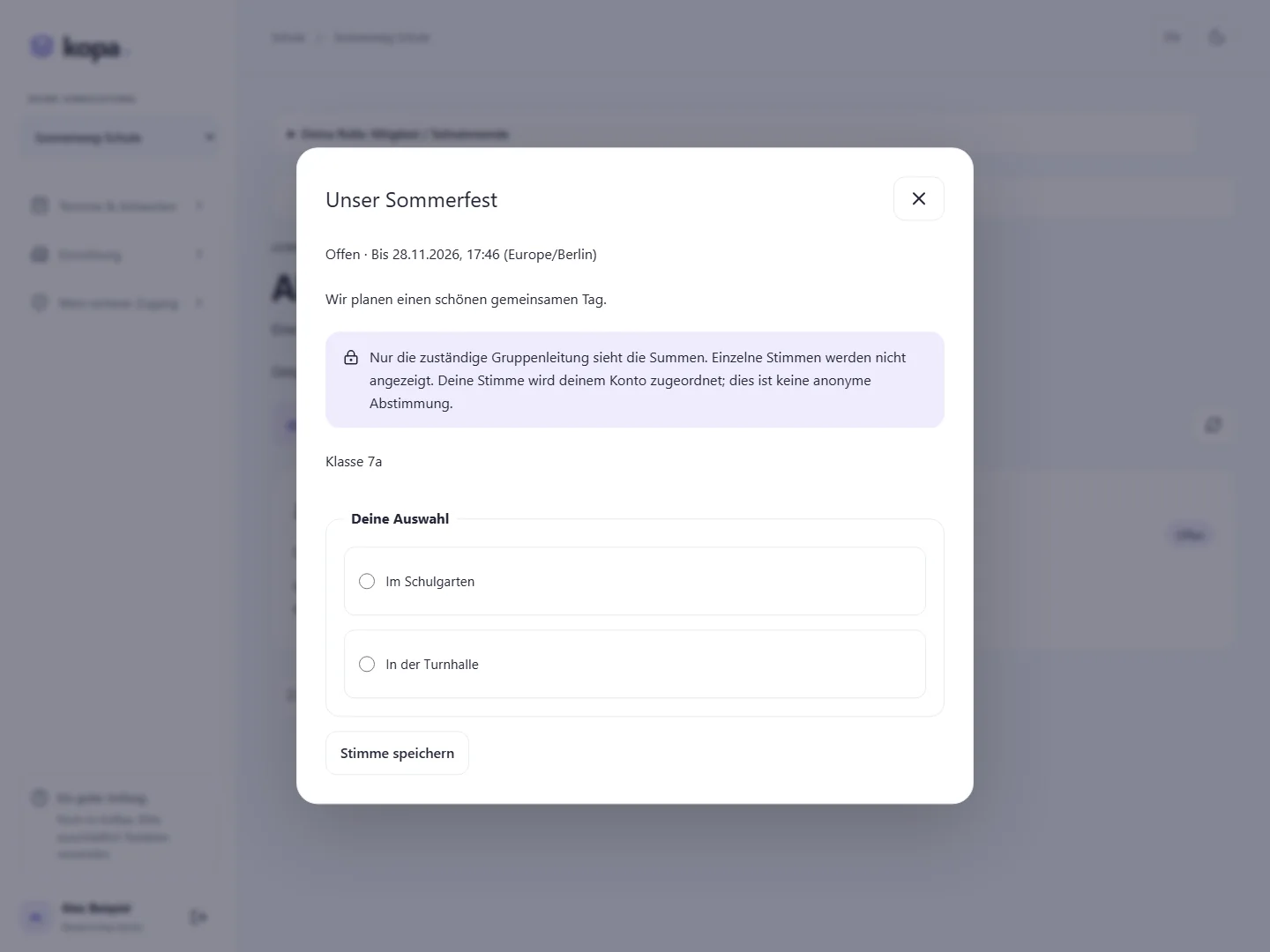
Decide together, also anonymously; the group lead then only sees totals.